

A maze, a companion and a way home
Labyrinth is a browser maze game with 50 levels and an endless mode. Guide a rabbit, cat or bear through the passages to the house. Use arrow keys, WASD, on-screen buttons or swipe gestures. Later challenges remove hints, introduce a countdown or ask you to collect a key. Choose a blue light or dark appearance, follow your progress and print a maze when you fancy playing on paper.
Play Labyrinth on alexo.org free online, with no account or sign-up. No app download is needed: play straight in your browser on a phone, tablet or computer.
Read the passages before you choose
The house is visible, but getting there is another matter. A corridor that seems to head straight towards it can end behind a wall. A promising junction might send you away from your destination before bringing you back. Look at the connections between passages rather than judging a route by how close it appears to the finish. Walls cannot be crossed, and movement follows the grid one cell at a time.
Each maze has one direct route between any two cells. There are no loops to carry you around in circles; wrong branches finish in dead ends. If you choose one, retrace your steps to the last useful junction. The coloured trail marks your current route and shortens as you backtrack. Your step total, however, still includes those extra movements. That distinction makes a second attempt interesting: you can arrive home again with fewer unnecessary turns.
Get comfortable with the controls
On a computer, use the arrow keys or WASD to move up, right, down and left. You can also drag the mouse through adjacent open cells. On a phone, swipe in the direction you want to travel or tap the large direction buttons beneath the board. Swipes produce individual movements; they do not automatically solve an entire corridor. Take short, deliberate gestures near a junction so that your next turn remains under control.
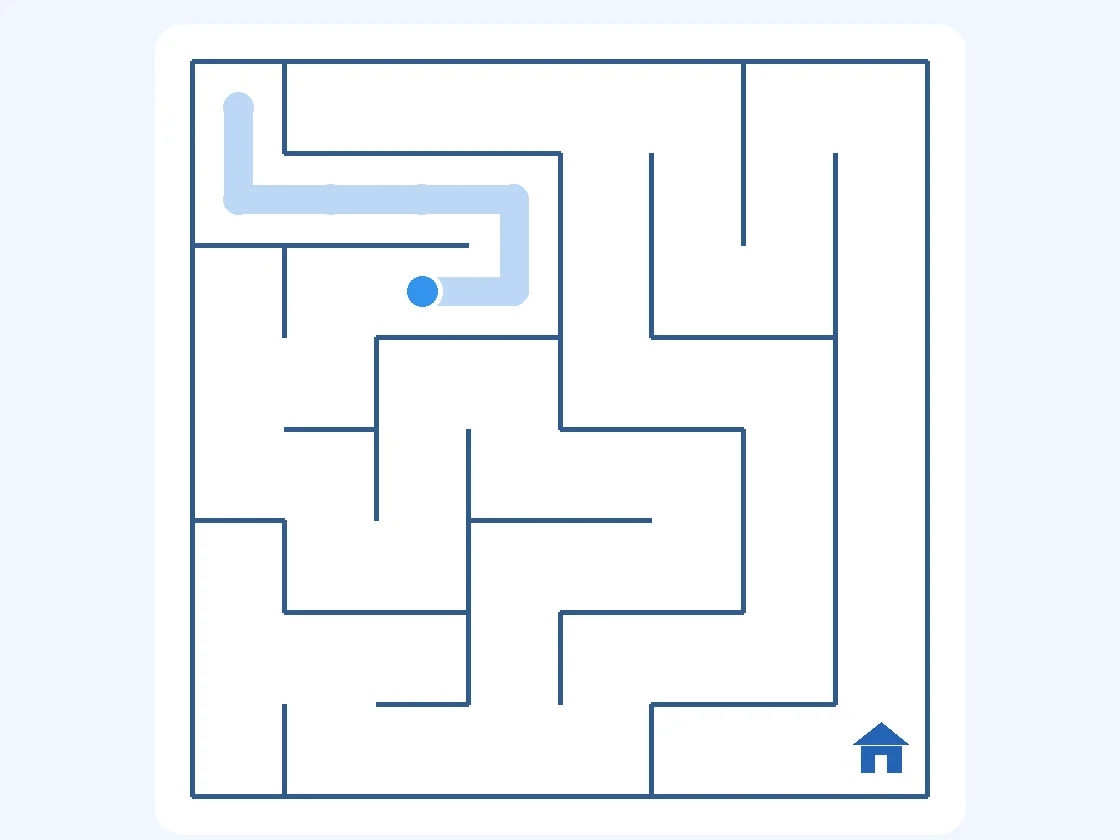
The fullscreen button gives the maze more space, particularly on smaller displays. If the browser cannot use native fullscreen, the game can expand its board within the page instead. The maze rules stay the same whichever view you choose. The first illustration shows the opening level with part of its route highlighted: a small move at a junction matters more than rushing towards the opposite corner.
Work through fifty distinct levels
The campaign is arranged into five groups of ten: easy, medium, hard, expert and professional. Finish the current level to unlock the next one. Completed levels remain available in the selector, so there is room to revisit an awkward layout or try for a cleaner run. Your progress indicator shows how much of the campaign you have completed, without turning every session into a long commitment.
Campaign layouts are fixed for each level. Restarting gives you the same puzzle rather than replacing it with an unrelated maze. That makes practice meaningful: remember where a passage ends, test another branch and compare your new approach. Earlier groups gradually increase the board size. The final group adds rule changes instead of simply relying on ever smaller passages, an important difference when you play on a phone.
Know what changes in the professional challenges
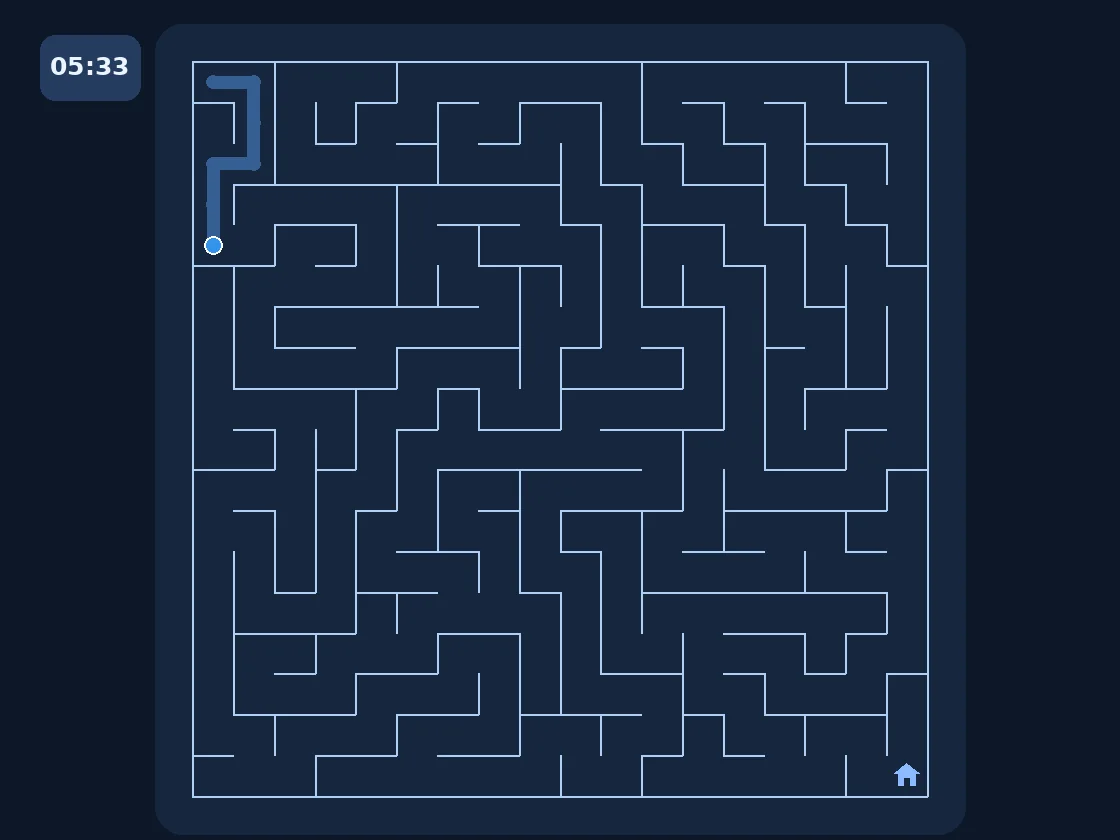
Levels 41–50 have no hints. In levels 41–43, reaching the house depends on your own route reading. Levels 44–46 add a time limit, and the clock begins with your first valid movement. Before moving, check the visible layout and decide which opening passage deserves your attention. Once the run has started, watching the remaining time is part of the challenge. The second illustration highlights a timed maze rather than suggesting that every level has a countdown.
Levels 47–49 introduce a key. Walking straight to the house is no longer enough: collect the key first, then make your way to the exit. The key may require a detour away from the route you would otherwise choose. Level 50 combines that collection task with a countdown. Its solution is therefore a journey with two objectives, not a single dash to the bottom corner.
A useful detour can be the right decision
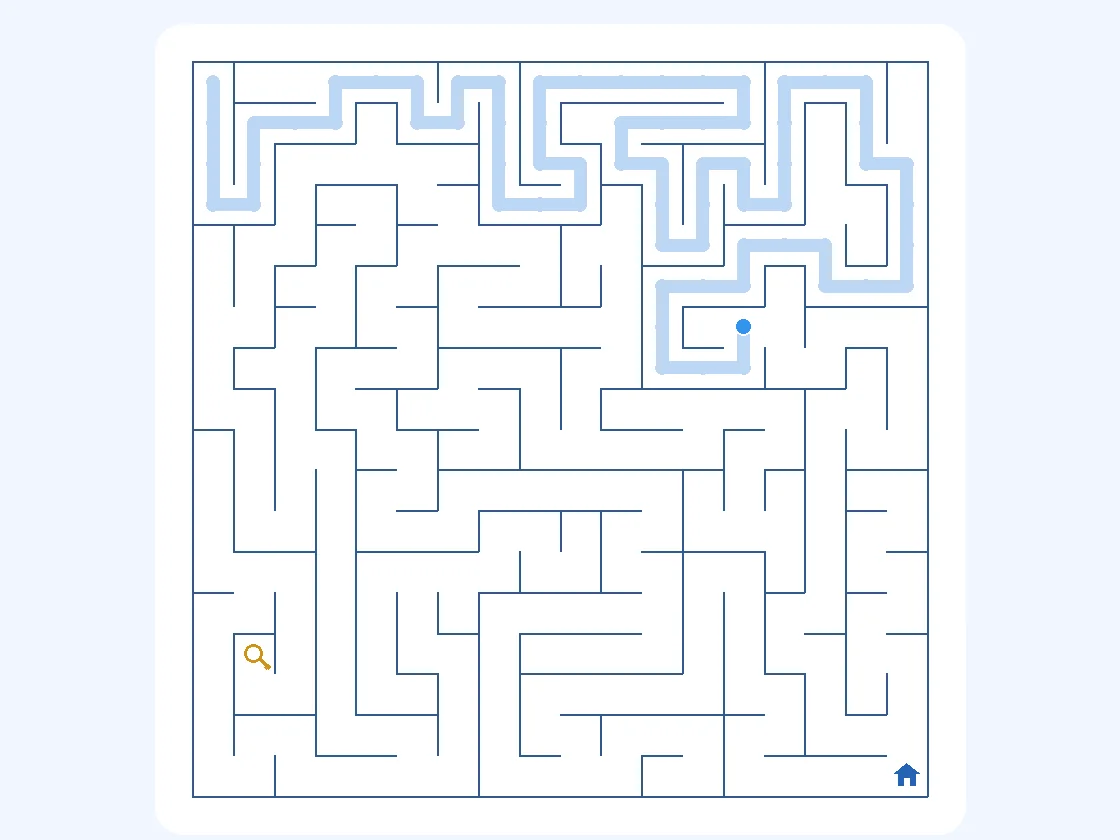
In the third illustration, the key sits on a separate branch. Start by asking where its passage connects to the rest of the maze. Once you reach it, some backtracking may be necessary before you can turn towards home. An extra journey is not automatically a mistake when the level specifically requires an item. Compare that with an ordinary dead end, where returning simply corrects an unhelpful choice.
On levels where hints are available, the hint button reveals a short section of the route from your current position. It does not hand over the whole solution. Use it when you cannot tell which neighbouring passage to investigate, then continue reading the maze yourself. The professional campaign deliberately disables hints, including in key challenges. You must plan that detour independently.
Switch to endless play or change the atmosphere
The endless maze mode generates a fresh layout when you request a new maze. Choose one of four difficulty settings and explore without campaign key tasks or countdowns. This is a useful alternative when you want another puzzle at a familiar size rather than the next unlocked stage. Resetting an existing maze returns your companion to the start; requesting a new endless maze creates a different layout.
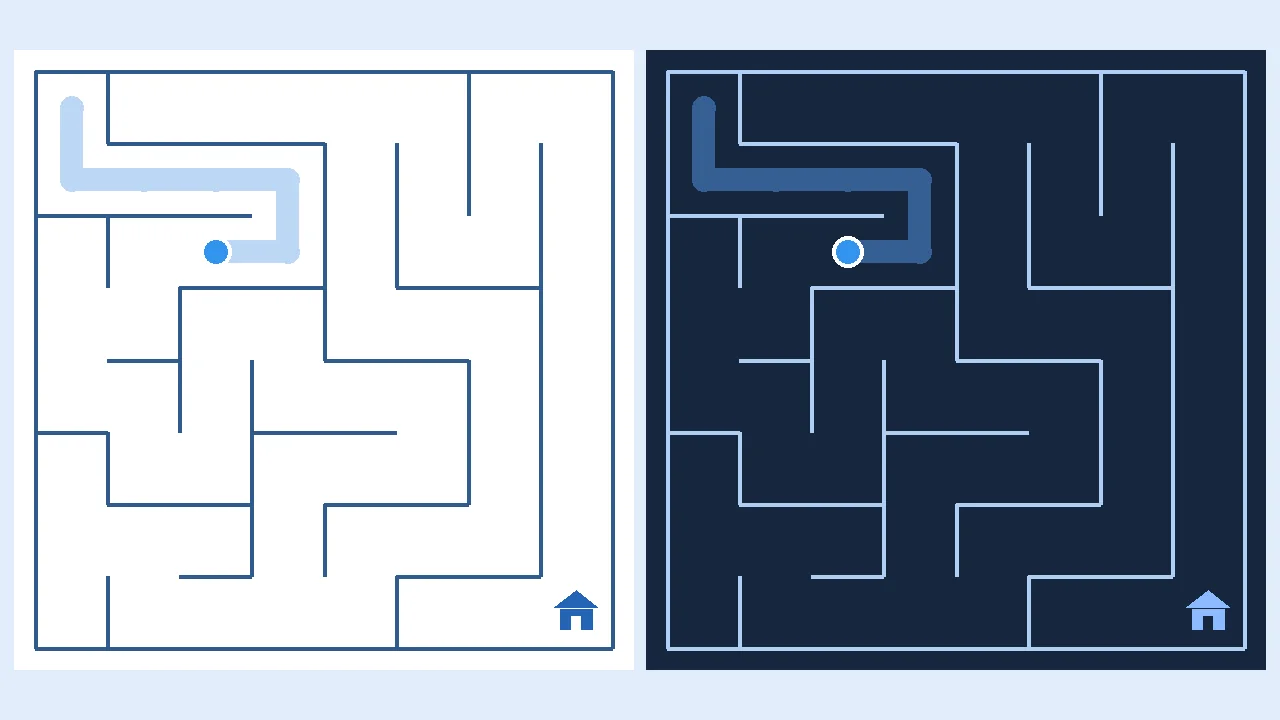
Blue is the default colour world, with ocean, sunset and cosmos alternatives. The light and dark switch changes the page and maze colours; it does not alter the route or make a level easier. The fourth illustration compares the same board in two appearances. Choose whichever makes walls and passages comfortable to distinguish in your surroundings. Rabbit, cat and bear are visual companions, not characters with different abilities.
Take the maze off the screen
The print option creates a paper version of the current maze. Include the solution when you want an answer sheet, or leave it unchecked for an unsolved puzzle. Printing without the solution removes your on-screen trail from the worksheet. A printed key level still needs its key, so explain that extra step before handing the page to someone else. Paper play naturally has no automatic movement checking or live countdown.
Frequently asked questions
How many levels does Labyrinth contain?
There are 50 campaign levels, divided into five groups of ten. They unlock in sequence as you finish them. Endless mode is separate and generates additional mazes on demand. Those random layouts do not add numbered stages to your campaign progress.
Can I play a maze game on my phone?
Yes. Use swipe gestures or the on-screen direction buttons. The layout places the maze above the settings on narrow screens. Fullscreen can provide more room, but you can continue playing in the normal view. On a desktop, keyboard controls remain available.
Do I have to beat a timer in every maze?
No. Campaign levels 44–46 and 50 have a countdown. Other campaign stages measure elapsed time without that failure condition. Endless mode has no countdown. If time expires in a timed challenge, restart the level and try another route.
Why does reaching the house sometimes not finish the level?
In levels 47–50, you must collect the key before arriving home. Reaching the house without it does not count as completion. Look for the key symbol, follow its branch and then return towards the house. The final stage also requires you to finish before time runs out.
Are progress and records saved across devices?
Progress, personal bests and appearance choices are saved in the current browser's local storage. They do not automatically follow you to another phone, computer or browser. Clearing website data can remove them. Private browsing may also limit how long those settings remain available.
Can I pause the countdown by changing tabs?
There is no dedicated pause control. The timer is based on elapsed time after your first valid move, so switching away should not be treated as pausing a timed attempt. If you need a break, choose an untimed stage or restart the challenge when you return.
Does restarting create a different maze?
A campaign restart keeps the same level layout and resets your run. In endless mode, reset keeps the current board, while the new-maze action generates another one. This lets you decide whether you want to improve an attempt or explore unfamiliar passages.
Is the blue artwork a three-dimensional game view?
The promotional images are illustrations. The playable maze uses a flat grid viewed from above, with walls, a route trail and character symbols. The diagrams accompanying this description explain real layouts and rules; they are simplified illustrations rather than browser screenshots.
Try a different challenge
PONG tests your paddle timing. STARTRAIL calls for quick reactions, while PRISM BLOCKS lets you find the right places for your blocks.